Live map & trip history
Check in anytime: see the current location on the map and look back at where the vehicle has been—handy for everyday peace of mind or if you ever need to piece together a route.


“The hunt ends here”
For Australian households & everyday drivers
See where your vehicle is on a live map, get alerts when something doesn’t look right, and review where it’s been—whether it’s the family car, a weekend project, or something you just want to keep an eye on. Built in Australia, for people who want simple protection—not a corporate fleet suite.
New to Raptor Trace? Open Plans & activation to choose a service level, then complete activation for your trackers. Already have an account? Use Open live map and sign in with your email and password.
One straightforward screen on your phone or computer: where the car is right now, where it’s been, and notifications that help you act if something’s off.
Check in anytime: see the current location on the map and look back at where the vehicle has been—handy for everyday peace of mind or if you ever need to piece together a route.
Set areas that matter to you—home, work, school pickup—and get notified when the vehicle arrives or leaves, so you’re not left wondering.
Location information is sensitive. We’re clear about what we collect and how we store it, with hosting kept close to home in Australia. Our privacy policy spells it out in plain language.
A small GPS unit is fitted to your vehicle (usually by an installer you trust). Raptor Trace ties that hardware to your map and alerts—no need to be a tech expert day to day.
The Raptor Trace AU app is the mobile companion to the web map—same email and password. Check trackers, open the live map, manage geofences, and share a read-only live link when you need someone else to see where a vehicle is, without giving them your password.
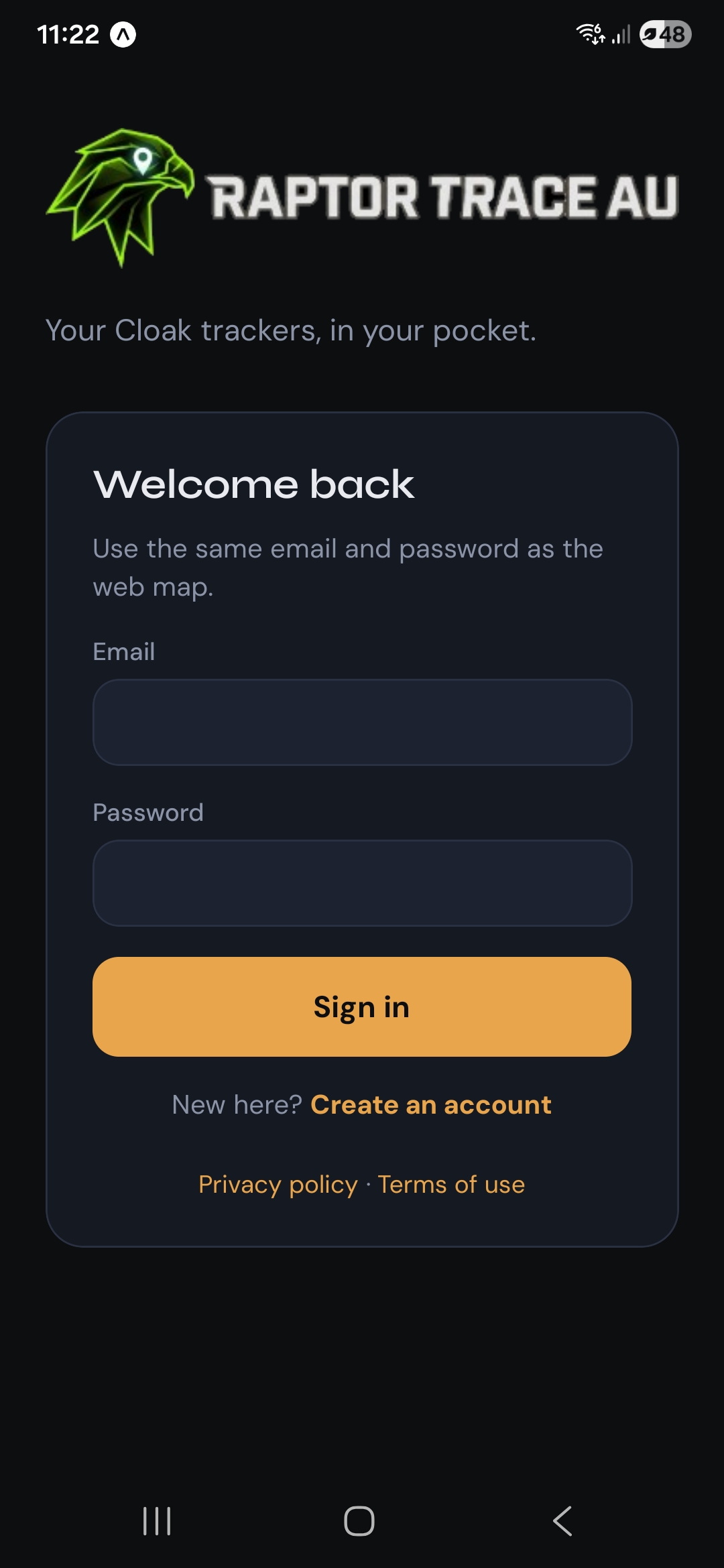
Sign in with the same details you use on the website. No separate “mobile only” login—your trackers and settings stay in sync.
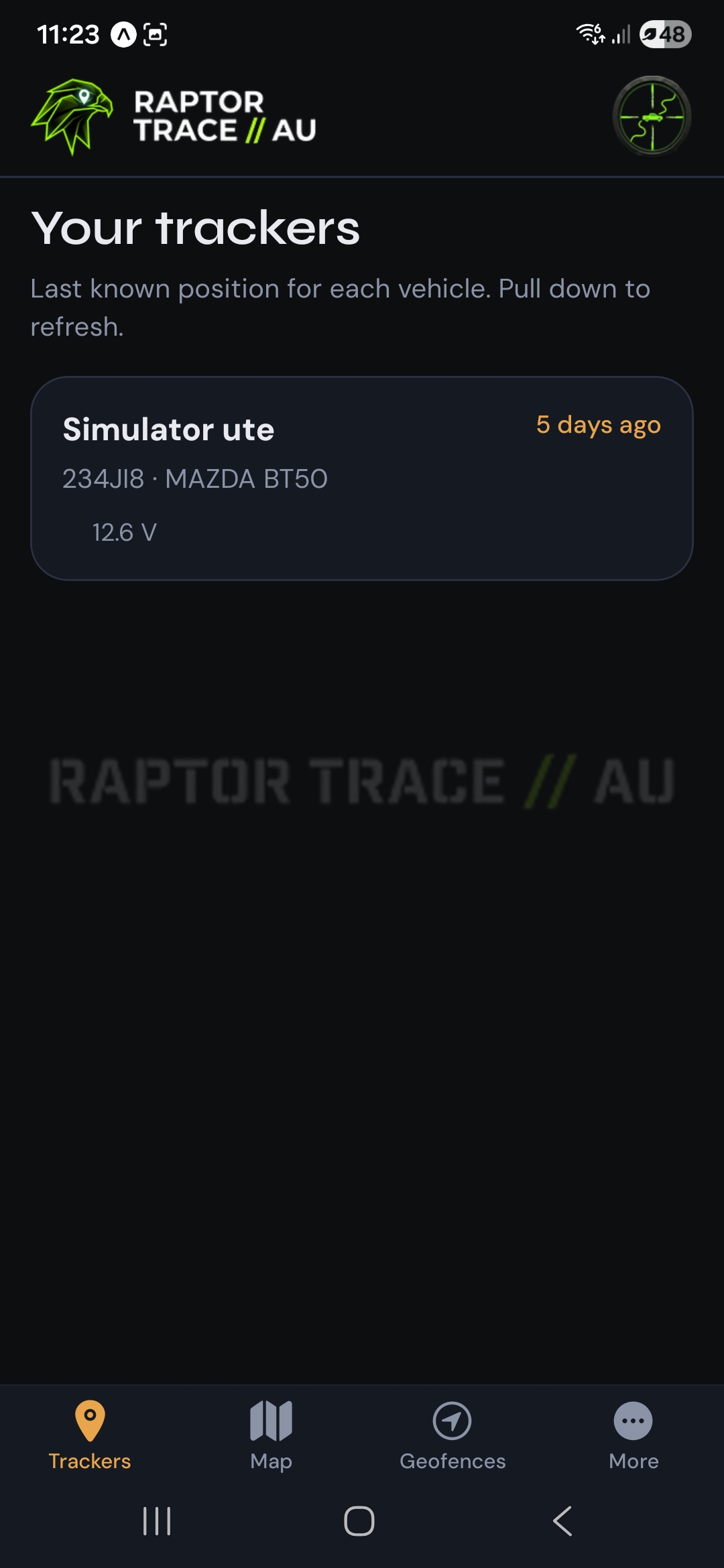
See every vehicle on your account at a glance: friendly name, how long since the last update, rego and make/model where you’ve saved them, and external power so you know the unit is alive. Pull down to refresh.
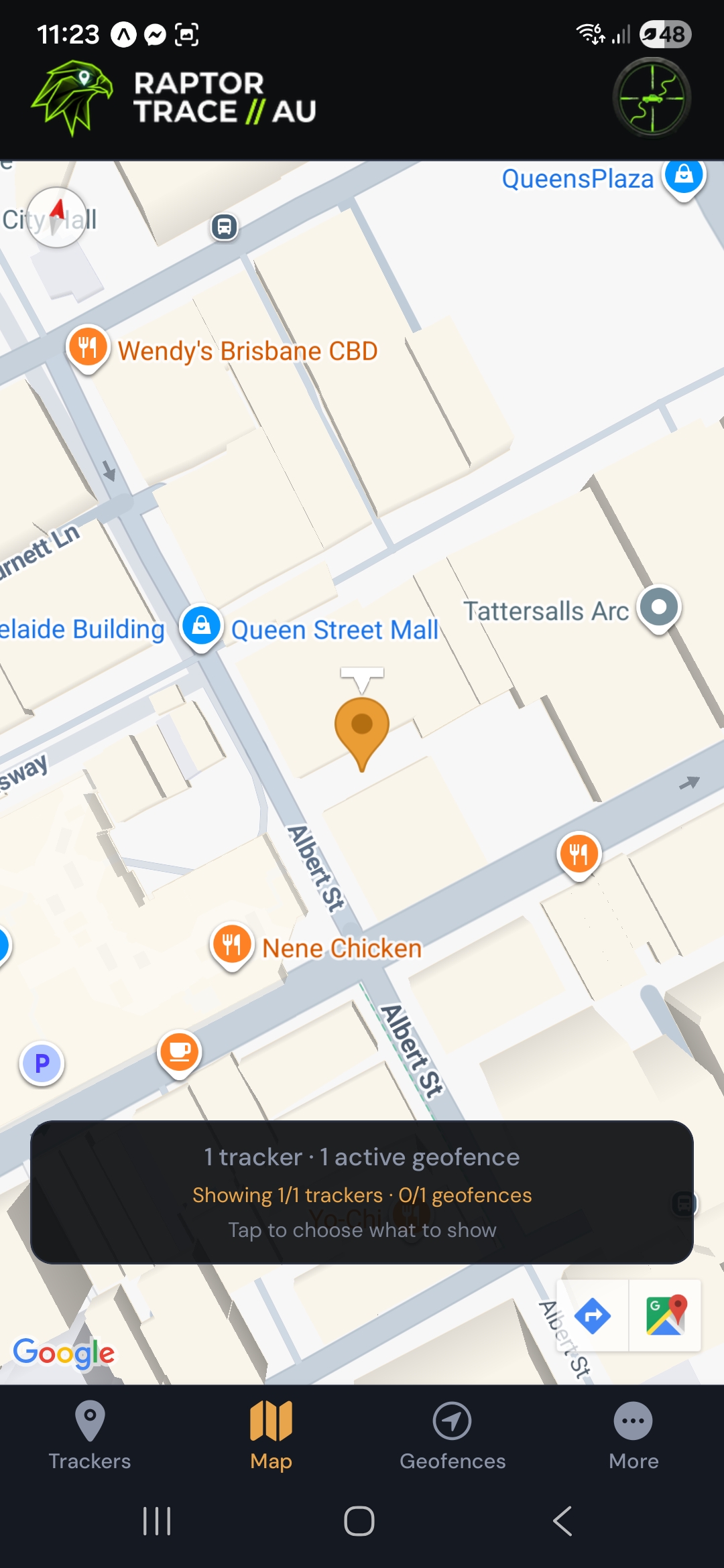
Open the map tab for a full-screen live view. A summary chip shows how many trackers and geofences are visible—tap it to choose exactly which vehicles and zones to show, so the map stays uncluttered.
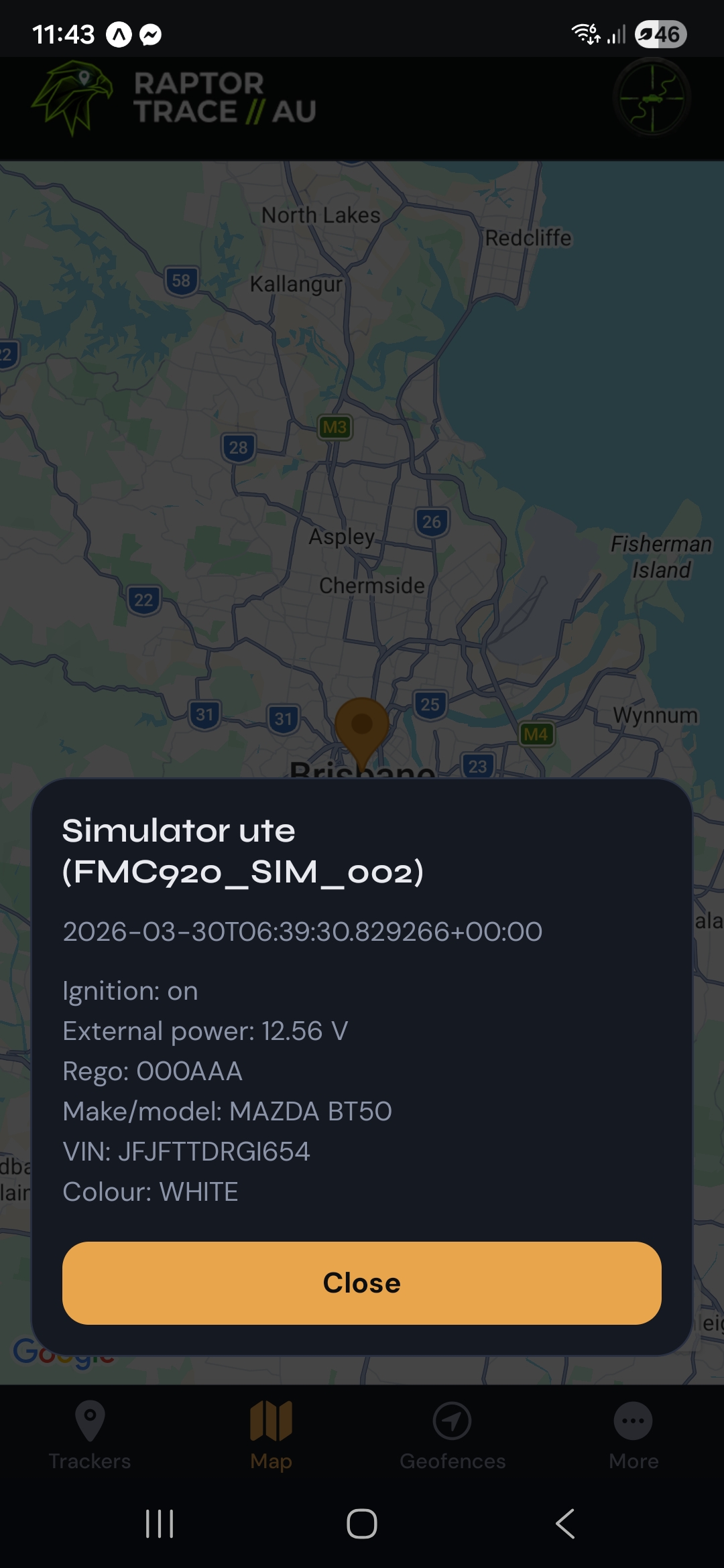
Tap the vehicle marker to see the same kind of detail as the web map: last fix time, ignition, external voltage, and vehicle fields like rego, make/model, VIN and colour when your installer or you have entered them.
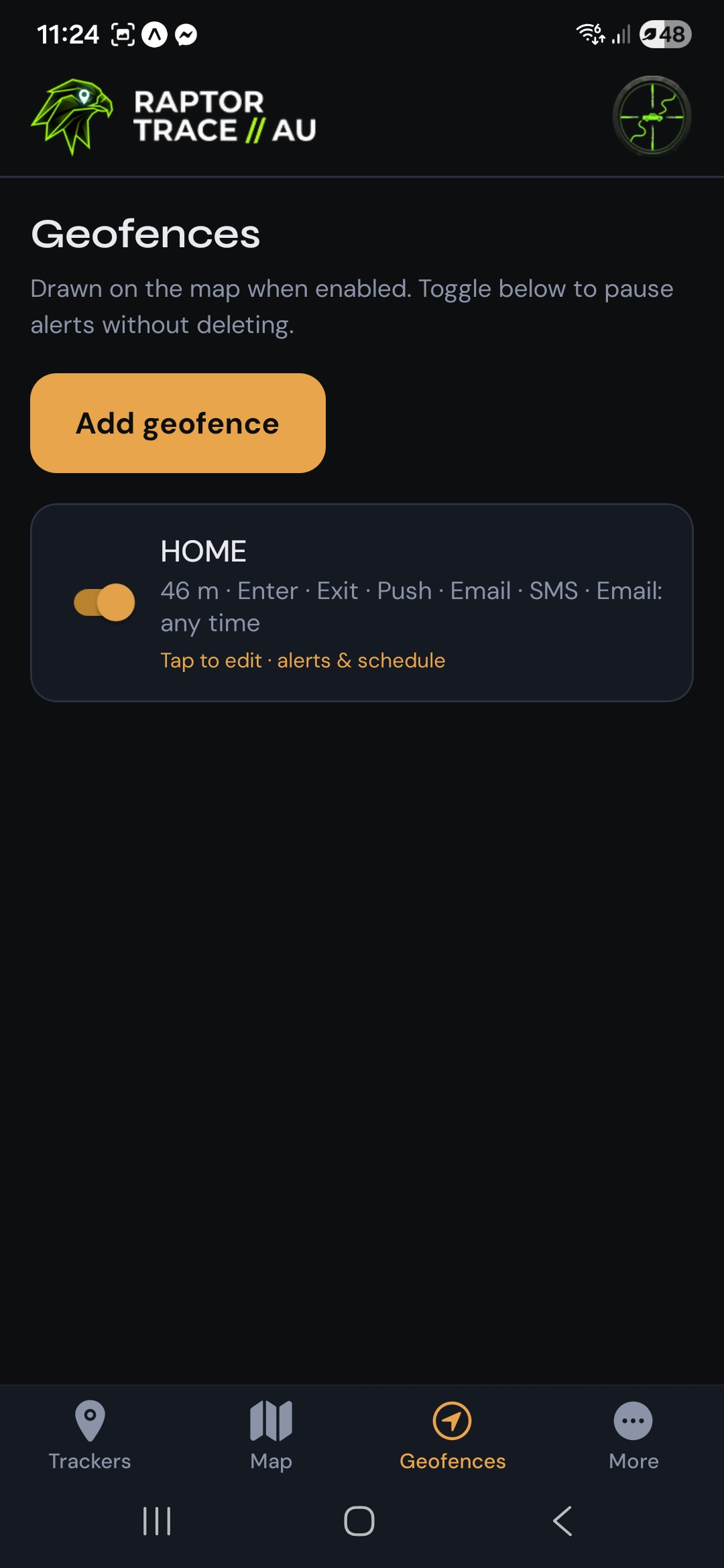
Create and edit circular zones such as home or work. Choose enter and exit alerts and push notifications (routine geofences do not use paid email/SMS—those stay reserved for future high-priority alert types), plus optional quiet-hour schedules. Toggle a fence off anytime without deleting it.
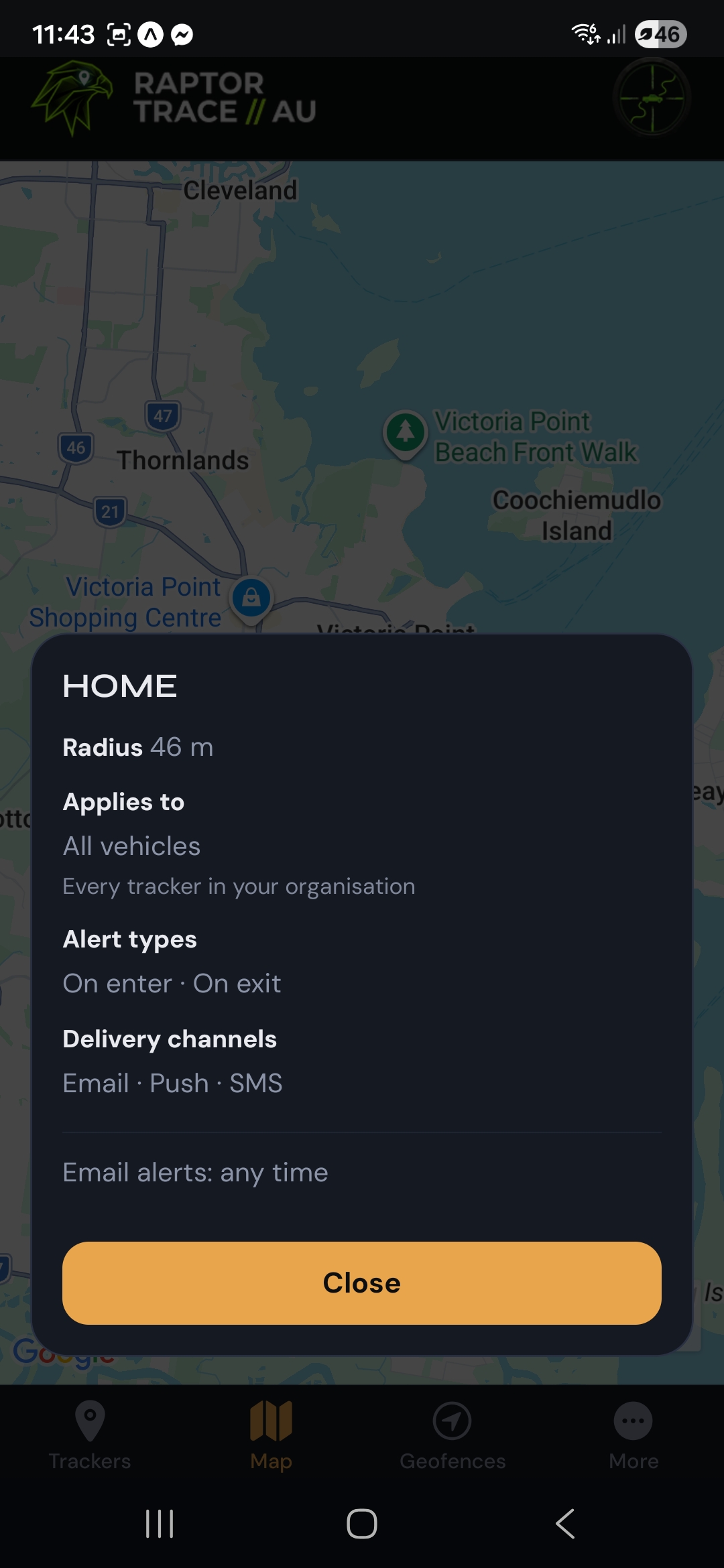
Geofences draw on the map when they’re visible in layers. Tap a zone to review radius, which vehicle (or all vehicles) it applies to, alert types, and delivery channels—handy when you want to confirm a fence is set up the way you expect.
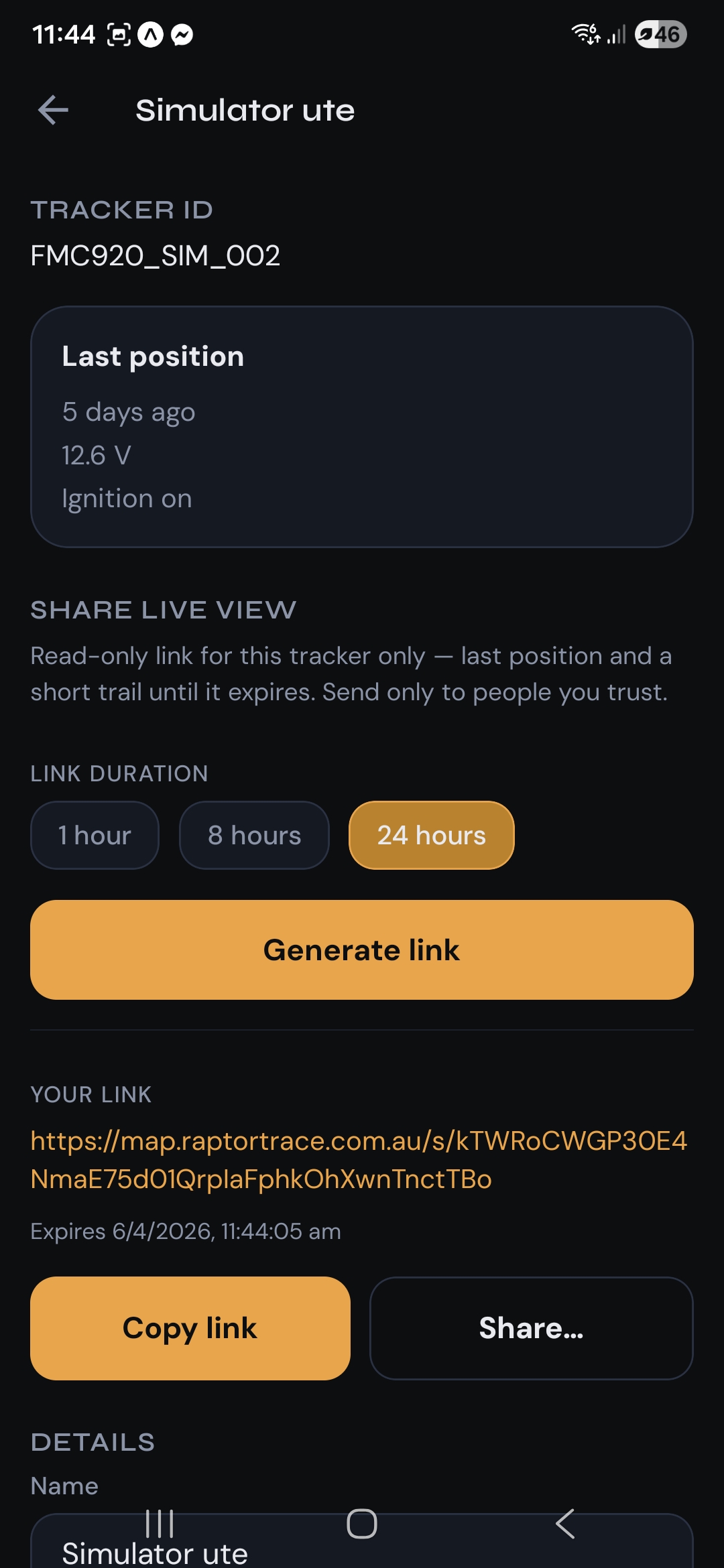
From a tracker’s detail screen, generate a time-limited link—1, 8 or 24 hours—that shows only that vehicle’s last position and a short trail. Recipients don’t sign in and can’t change your account. Copy the URL or use your phone’s share sheet, and only send it to people you trust.
App availability depends on your installer or account setup. For download links or help getting the app on your phone, contact support@raptortrace.com.au.
Use Raptor Trace AU lawfully and fairly: make sure anyone who drives the vehicle knows it’s tracked if that’s required where you live, use visible notices where state rules say you must, and only monitor vehicles you’re allowed to. If you’re unsure, get advice that fits your situation.